Canva used to be the easy answer for quick design work. Then the prices went up, the AI credits started running out mid project, and a lot of people began asking the same question: what else is out there?
If that is where you are right now, this guide will save you hours. We did our own homework first. We researched every serious option on the market, then signed up and tested each tool ourselves: built the same designs in each one, pushed the free plans until they stopped us, and noted exactly where each tool beats Canva and where it falls short. The result is a list of 14 Canva alternatives, each matched to a specific job, with honest notes on pricing, free plan limits and the catches nobody puts in their marketing.
One thing before we start. There is a small detail in Canva’s license that surprises almost everyone: you cannot trademark a logo or design made with Canva content. If your brand identity matters, keep that in mind while you read.
Quick Picks: The Short Version
Short on time? Start here.
| Tool | Best for | Free plan | Paid starts at |
|---|---|---|---|
| Adobe Express | Closest all round swap | Yes, generous | $9.99/month |
| Affinity | Professional design, one free app | Fully free app | Free (AI extras need Canva plan) |
| VistaCreate | Canva feel at a lower price | Yes | $10/month |
| Figma | Teams and collaboration | Yes | $15/month per editor |
| Kittl | T-shirts and print on demand | Yes | $15/month |
| Visme | Presentations and infographics | Yes, limited | $12.25/month |
| Photopea | Photoshop style editing in a browser | Yes, ad supported | $5/month |
| Piktochart | Charts and reports | Yes | $14/month |
| Microsoft Designer | Casual social graphics | Yes | Included with Microsoft 365 |
| Penpot | Open source, self hosted design | Fully free | Free |
| Desygner | Brand control for teams | Yes | $9.95/month |
| Snappa | Fast social media graphics | Yes, limited downloads | $10/month |
| Pixlr | Budget photo editing with AI | Yes | From a few dollars/month |
| Clipchamp | Video editing | Yes, 1080p exports | Premium via Microsoft 365 |
How We Tested These Canva Alternatives
Every tool on this list went through the same routine. We signed up for the free plan first, then built the same set of real projects in each editor: a social media post, a presentation slide and a print ready flyer. After that we checked four things. How fast can a beginner finish a design? What does the free plan actually block? How do the exports look, especially in print? And what does the paid upgrade really cost once a small team is on it? Tools that failed our projects, or hid their real price behind a sales call, did not make the cut.
Why People Are Looking for Canva Alternatives
Canva is not a bad tool. For many users it is still the fastest way to make a decent looking graphic. So why is search interest in Canva alternatives climbing? Talk to anyone who has left Canva in the last year or two, or read our own notes from switching projects, and the same four complaints keep coming up.
The price hikes. The big shock came in 2024, when Canva Teams jumped from about $120 a year for five users to $500. Existing subscribers got some relief, but new signups pay the higher rates, and Pro now sits at $144 a year per person. Small business owners keep making the same point: the tool did not get three times better, but the bill did.
AI credits that vanish. Canva now runs its AI tools on a shared credit pool, and users hate how opaque it is. The free plan includes only a small monthly allowance, and even Pro works out to roughly 200 premium generations a month. Credits get used even when a generation fails and produces something unusable. Nothing rolls over to the next month. Heavy users get nudged toward add on passes that can cost more than the subscription itself. If you use AI features daily, the meter is always in the back of your mind.
Print problems. Canva works in RGB only, with no proper CMYK preview. Colors that look bright on screen can come back dull from the printer, and print shops regularly complain about low resolution exports, bleed issues and fonts that are not embedded. If you print often, this alone can push you to switch.
Everything looks the same. Scroll through Instagram for half a minute and you can spot the Canva templates. When thousands of brands use the same layouts, your posts blend into the feed. That sameness is a hidden cost, and it is one of the main reasons growing brands move on.
What Canva Still Does Well
Fairness first, because a switch you regret is worse than no switch at all. Canva still has the deepest template library in this business, a stock collection that is hard to match, and a mobile app that feels effortless. Its Brand Kit is genuinely good, and teachers and nonprofits get the full thing free through Canva for Education and Canva for Nonprofits, which no rival matches at that scale. If none of the four complaints above bite you, staying put is a perfectly reasonable choice. But if they do, here is where to go.
The 14 Best Canva Alternatives, Compared
Every tool below earned its place for a different reason. Some are direct Canva alternatives that copy the drag and drop formula. Others beat Canva at one specific job, like print, data or teamwork.
1. Adobe Express: Best All Round Canva Alternative
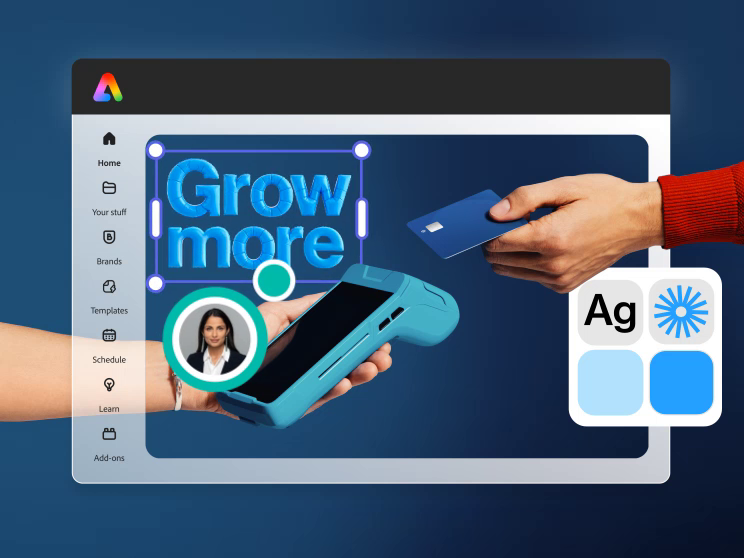
If you want the closest like for like swap, Adobe Express is it. The editor feels familiar within minutes, the template library is huge, and the free plan is genuinely useful. One feature wins people over fast: the background remover is free here, while Canva locks it behind Pro.
Express also plugs into the wider Adobe world. Your assets connect with Photoshop, Illustrator and Adobe Fonts, and its built in AI (Firefly) is trained on licensed content, which makes it safer for commercial work. The main catch is that some advanced features still need the Premium plan at $9.99 a month, and brand controls for bigger teams sit in higher tiers.
Best for: solo creators and small teams who want Canva’s ease without Canva’s pricing surprises.
2. Affinity: Best for Professional and Print Work
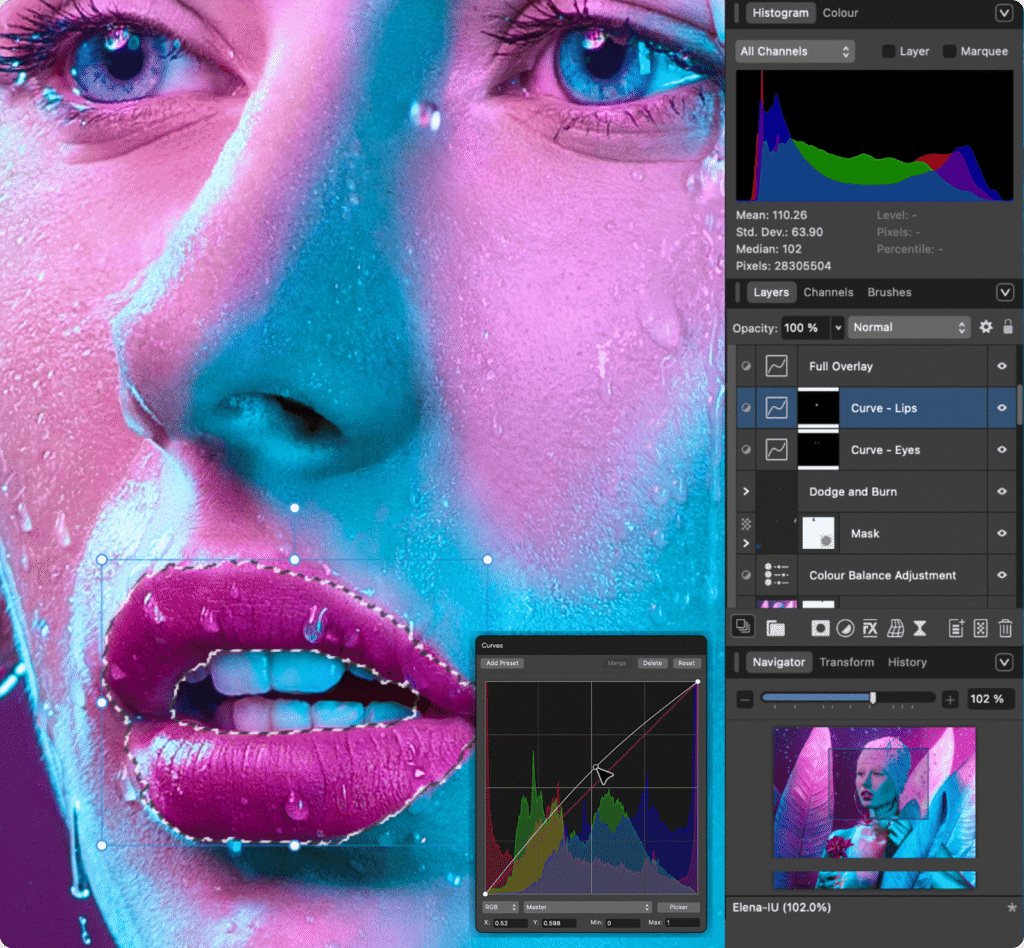
Here is the twist most guides bury. The strongest Canva alternative is now owned by Canva. Canva bought Serif, the maker of Affinity, in 2024 in a deal reported at around $380 million, and in late 2025 Affinity relaunched as a single free app that combines photo editing, vector design and layout work.
Affinity is a real desktop program. It works offline, handles CMYK properly, and includes the preflight checks print professionals rely on. For anyone who outgrew Canva’s browser limits, this is the serious step up. The catch is trust: the app is free, but its AI tools and some extras connect back to a Canva subscription, and the design community is watching closely to see if the paywalls creep in over time. For now, though, it is remarkable value.
Best for: designers, print work and anyone who wants pro tools without a subscription.
3. VistaCreate: Best Budget Swap That Feels Like Canva
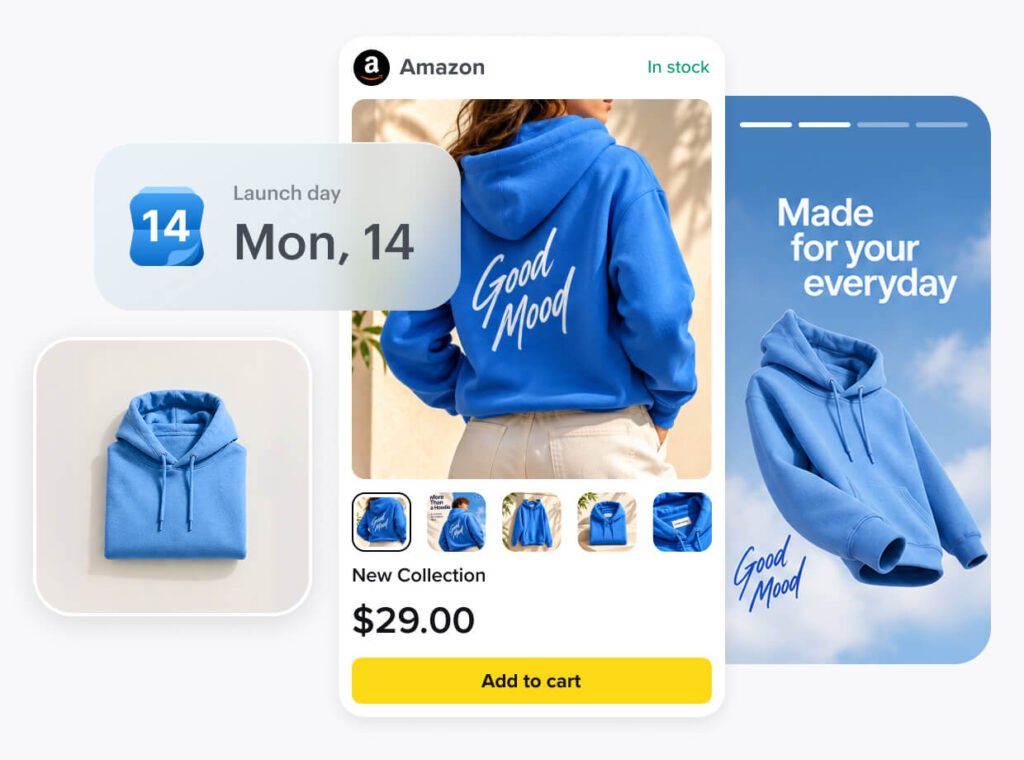
VistaCreate (formerly Crello) copies the Canva formula closely: drag and drop editor, a big template library, animation features and a brand kit. The difference is price. Pro costs $10 a month, and team pricing is far gentler than Canva’s per seat math, which matters when you have five people who only design occasionally.
Be aware that the free plan is more limited than the marketing suggests. Background removal, magic resize and HD downloads are Pro features. Still, if your only real problem with Canva is the bill, VistaCreate is the least painful move you can make. The team math alone makes the case: a five person team pays roughly $120 a year here, against well over $1,000 on Canva’s business tiers.
Best for: small businesses and social media managers watching costs.
4. Figma: Best for Teams and Collaboration
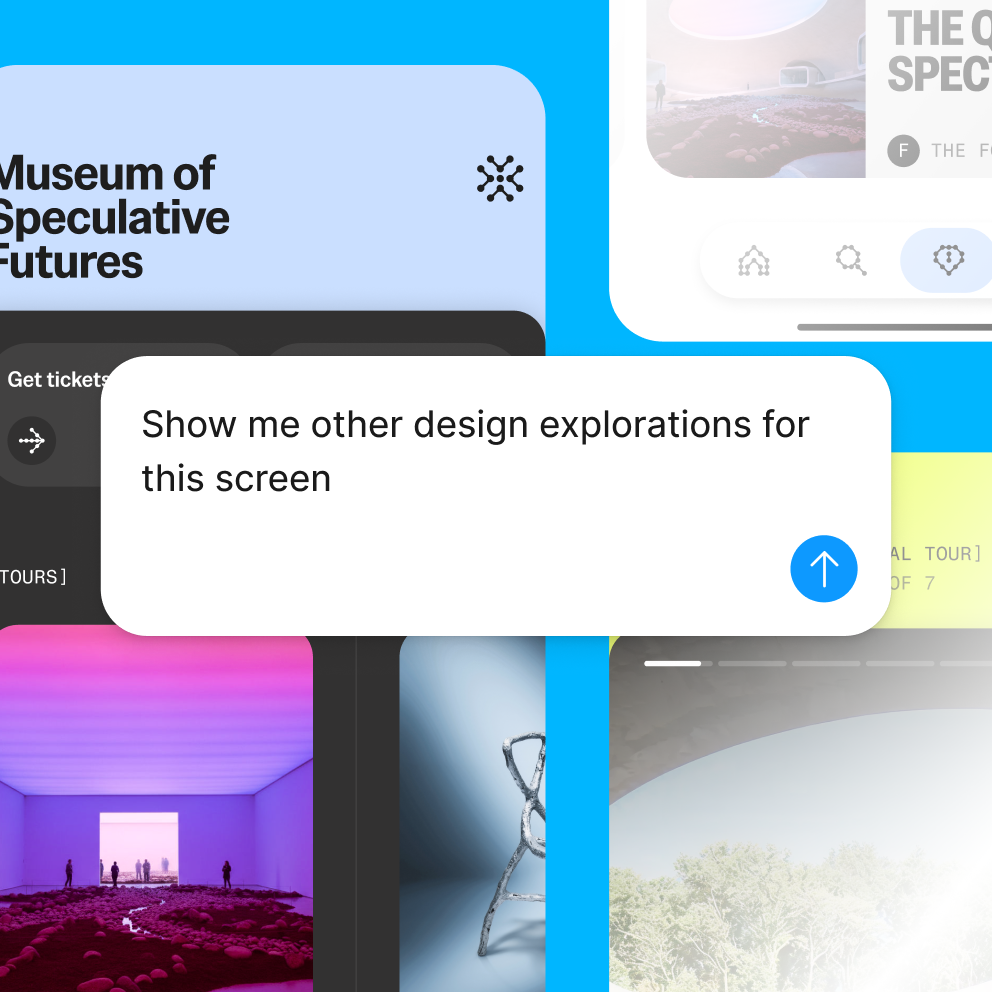
Figma is not a template tool in the Canva sense. It is a professional design platform where teams design together in real time, build reusable components and keep a full version history of everything. Marketing teams use it for landing pages, product visuals and design systems that stay consistent across hundreds of assets.
The trade off is a learning curve. There is no giant library of ready made social templates, and casual users can feel lost at first. But if your team argues over file versions or brand consistency, Figma solves problems Canva never will. The free plan is enough for small teams to start.
Best for: product and marketing teams who design together daily.
5. Kittl: Best for T-Shirts and Print on Demand
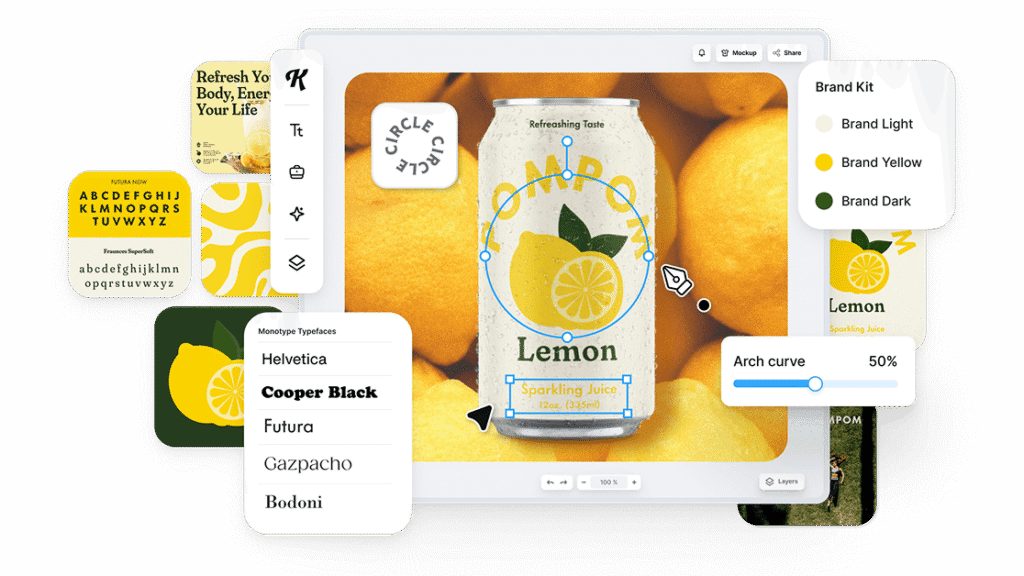
Ask Etsy and Merch by Amazon sellers which tool they reach for, and Kittl comes up again and again. It is built around typography: text effects, curved lettering and vintage style treatments that take real effort in Canva. The template library leans heavily into shirts, logos and merch.
One warning from experienced sellers: free exports are not high enough quality for print on demand. You will need a paid plan (from $15 a month) for the resolution that print providers demand. Many top sellers actually run Kittl and Canva together, using each where it is strongest. That hybrid approach is worth copying.
Best for: merch sellers and anyone who designs with type.
6. Visme: Best for Presentations and Infographics
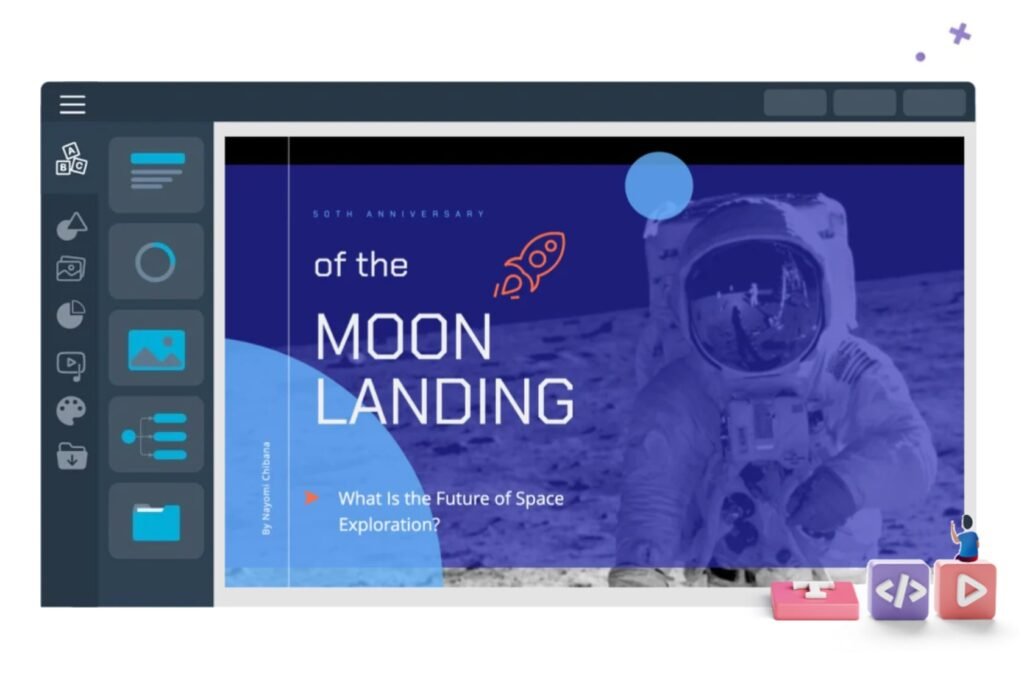
Visme focuses on business communication: presentations, infographics, reports and documents that need charts and data. Its chart tools are far ahead of Canva’s, and the templates look boardroom ready rather than social media casual.
The free plan is more of a trial, with limited downloads and Visme branding on some exports, so most serious users end up on a paid plan starting around $12.25 a month. If your design work is mostly decks and data, that is money well spent.
Best for: consultants, sales teams and anyone who presents data.
7. Photopea: Best Free Photoshop Alternative in Your Browser
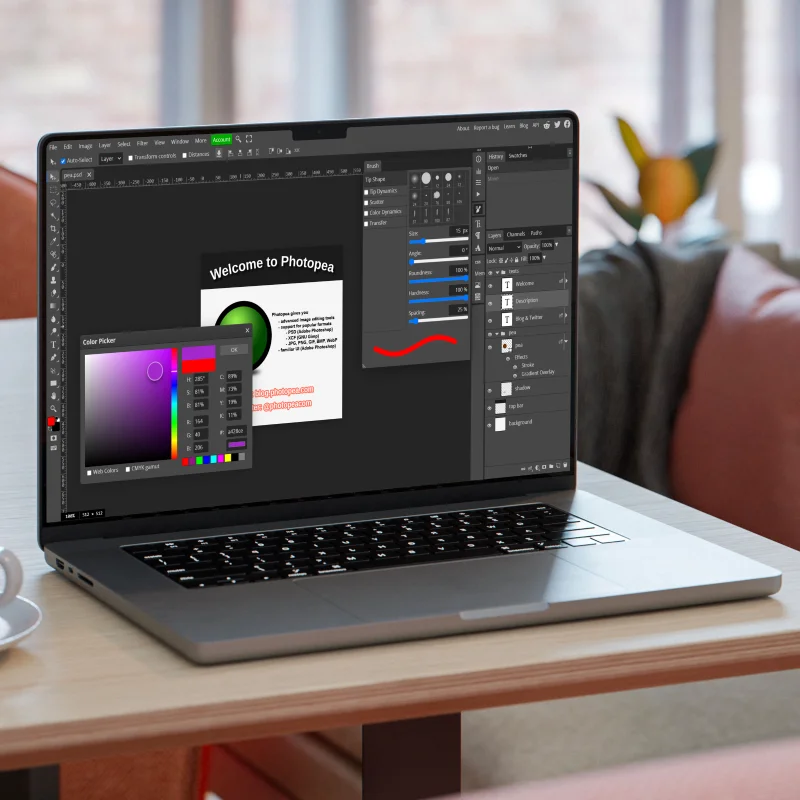
Photopea looks and behaves like Photoshop, runs entirely in your browser, and costs nothing if you accept ads. It opens PSD, AI and XD files, which makes it the tool people reach for when a client sends a file Canva cannot handle.
There are no templates to speak of, so it is not where you make a quick Instagram post. But as a free editing safety net alongside any other tool on this list, it is hard to beat. An ad free version costs about $5 a month.
Best for: fixing files, detailed photo edits and Photoshop tasks without Photoshop money.
8. Piktochart: Best for Reports and Data Visuals
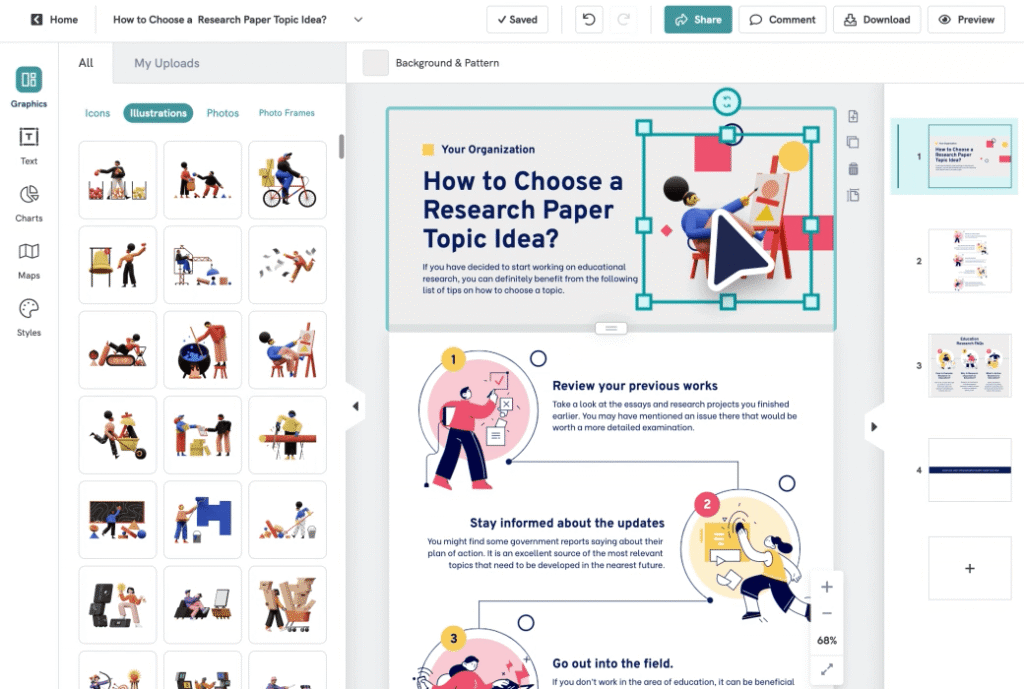
Piktochart has quietly become a favorite in offices and classrooms for turning numbers into clean infographics and reports. The editor is simple, the chart library is strong, and the results look professional without design training.
Pricing starts around $14 a month, and the free plan limits how many projects you can keep active. Like Visme, it wins on a narrow job and does that job better than Canva does.
Best for: reports, infographics and internal documents.
9. Microsoft Designer: Best If You Already Pay for Microsoft 365
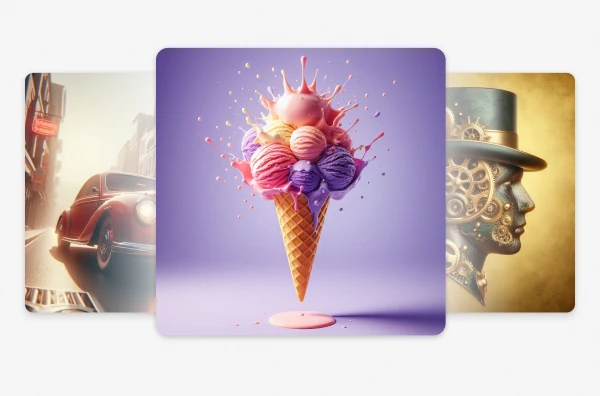
Designer is Microsoft’s answer to Canva, and if your company already pays for Microsoft 365, you may already have access to it. It generates layouts from a prompt, integrates with Word and PowerPoint, and handles everyday social graphics fine.
Read the license before using it for business, though. The consumer terms have limits on commercial use, so companies should be on the proper business plans. For personal projects and internal content, it is a handy free option hiding in tools you already own.
Best for: Microsoft 365 users who design occasionally.
10. Penpot: Best Free and Open Source Option
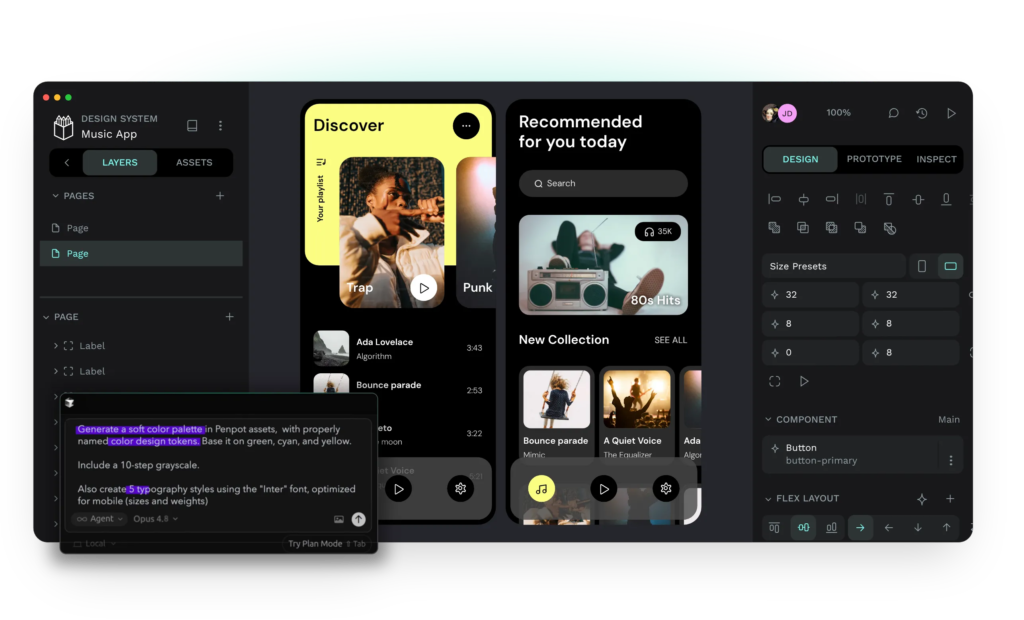
Penpot is the open source answer to Figma. It is free, browser based, and you can even host it yourself, which makes it popular with teams who care about owning their data. Developers like it because designs translate cleanly into CSS and SVG.
It is aimed at interface and product design rather than social templates, so casual Canva users may find it sparse. But for a free tool with no seat fees and no lock in, it deserves more attention than it gets.
Best for: dev friendly teams and anyone avoiding subscriptions entirely.
11. Desygner: Best for Locking Down Your Brand
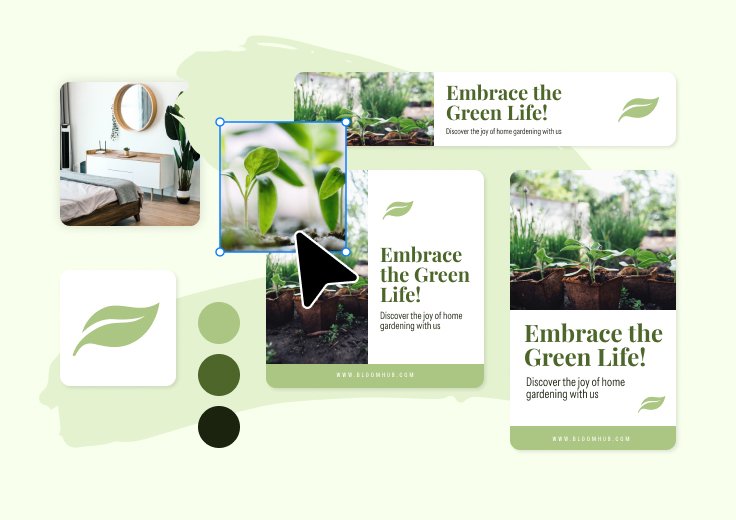
Desygner‘s standout feature is control. Admins can lock brand elements so team members and franchise locations can edit text and images but cannot break the design. It can also import PDFs, including files made in Canva, and rework them, which makes switching less painful.
The template library is smaller than Canva’s, and the editor feels a step behind the leaders. But for franchises, real estate groups and multi location businesses, the brand control is the whole point. Plans start at $9.95 a month.
Best for: franchises and teams where brand consistency keeps going wrong.
12. Snappa: Best for Fast Social Media Graphics
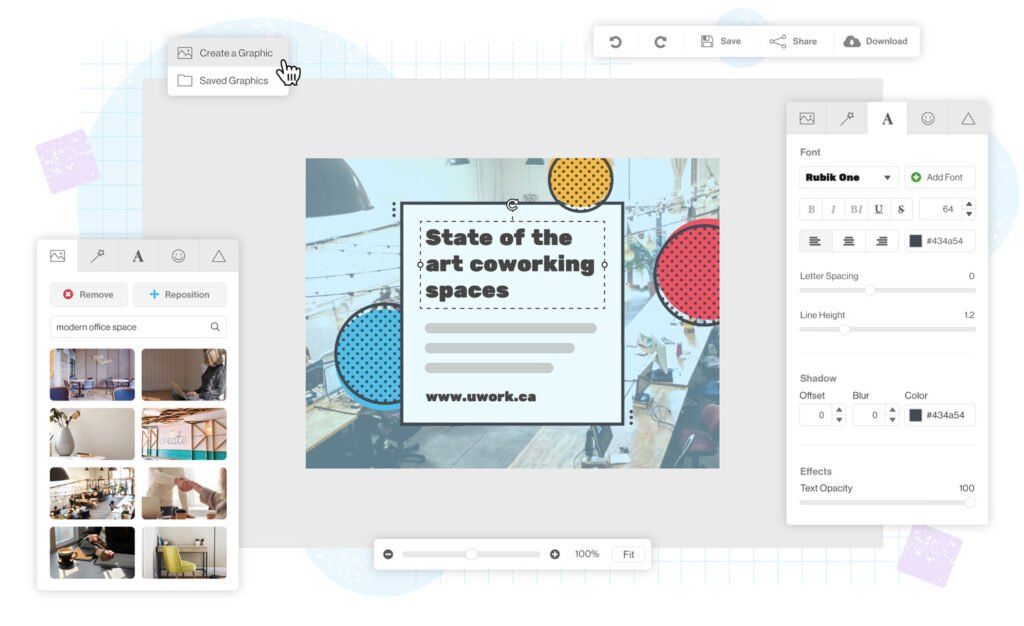
Snappa strips design down to the basics, and for busy social media managers that is the whole appeal. You pick a template that is already sized correctly for the platform you are posting to, swap the text and image, and download. The preset sizes alone save real time when you publish across five networks every day. There is no layers panel to wrestle with and almost nothing to learn.
The trade off is depth. Snappa has a smaller template library and fewer effects than Canva, and the free plan caps how many downloads you get each month, so daily posters will land on the Pro plan at around $10 a month on annual billing. In our testing it was the fastest tool on this list for turning out a clean graphic. Sometimes under five minutes, start to finish.
Best for: marketers who post daily and value speed over fancy features.
13. Pixlr: Best Budget Photo Editor With AI Tools

Pixlr sits between Photopea and Canva. It is a proper photo editor that runs in the browser, with layers, retouching tools and a growing set of AI features like background removal and image generation. It is easier to learn than Photopea, gentler on beginners, and far cheaper than most rivals, with paid plans starting at only a few dollars a month.
The free version carries ads and puts limits on some AI tools, and it is not built for template based marketing design the way Canva is. But if most of your Canva use was really photo edits with text on top, Pixlr covers that work for very little money.
Best for: bloggers and small sellers who mostly edit photos.
14. Clipchamp: Best for Video

Most tools on this list treat video as an afterthought. Clipchamp is the opposite: a proper video editor from Microsoft that runs in the browser and on Windows. Timeline editing, stock video and audio, auto captions and clean exports for YouTube and social platforms make it the natural pick when most of your Canva work was video. The free plan covers the essentials, including 1080p exports, and Premium, which also comes bundled with many Microsoft 365 plans, unlocks the full stock library and 4K exports.
It will not design your Instagram posts, and it is not trying to. Think of it as the video half of your new setup, paired with any editor above.
Best for: video first creators and social media teams.
Also worth a look: PicMonkey (friendly photo editing and design, a long time favorite with bloggers), BeFunky (dead simple photo edits and collages), Fotor (quick AI photo tools in the browser) and Easil (brand focused templates for small teams). None of them beats the picks above at their best jobs, but each has loyal users for a reason.
What a Switch Really Costs Your Team
Per seat pricing is where Canva quietly gets expensive. A five person team on Canva’s business tiers can run past $1,200 a year, often for people who open the tool twice a month. Watch the add ons as well. Heavy AI users can end up paying for extra credit passes on top of the subscription, in some cases around $100 per person per month, which quietly turns a “cheap” plan into the most expensive line on your software bill. Before you renew, count your actual active designers. Many teams find a smarter setup: two or three paid seats on a specialist tool, everyone else on a free plan, and one shared library of templates. That hybrid stack is what most happy switchers end up with, and it usually cuts the design bill in half.
Before You Cancel Canva: A 5 Minute Exit Checklist
Switching tools is easy. Losing your old work is not. Before you cancel anything, run through this list.
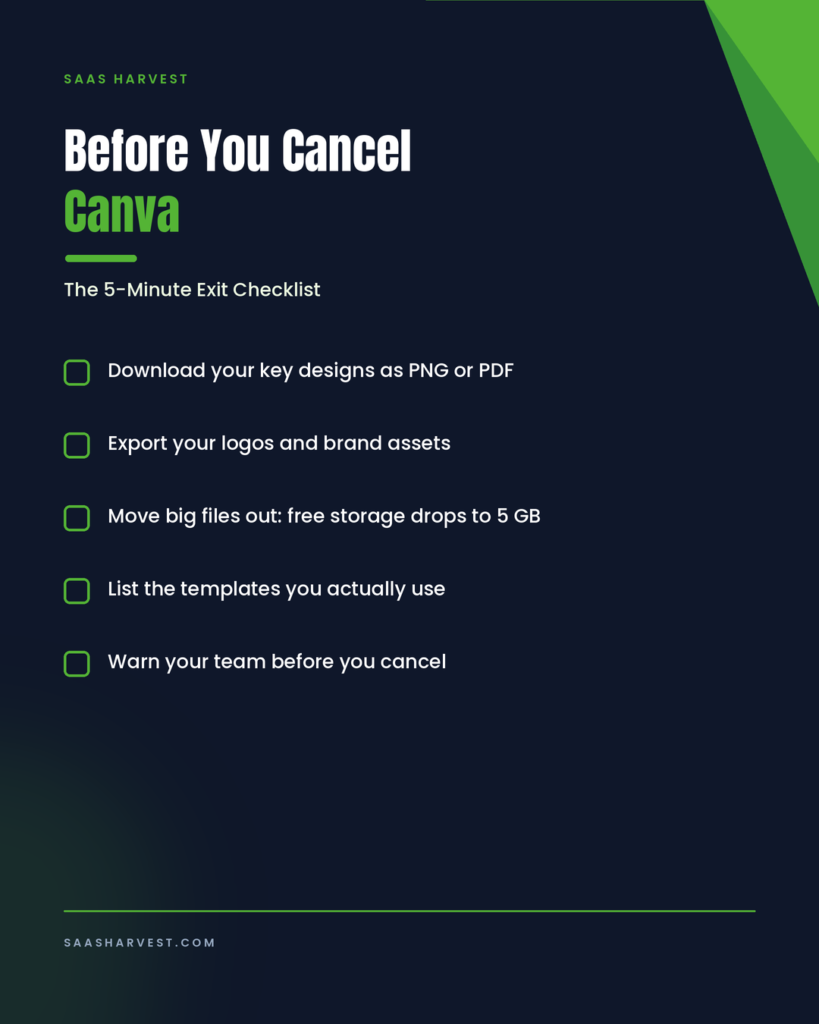
- Download your important designs as PNG or PDF files. Once your plan lapses, designs with premium elements can get watermarked.
- Export your logo files and brand assets. Your Brand Kit locks when you drop to the free plan.
- Check your storage. Free accounts drop to 5 GB, so move big files out first.
- Save a list of the templates you actually use. You will rebuild far fewer than you fear.
- If you are on a team plan, warn your team early. Team cancellation is permanent, and members lose access to shared folders.
Teachers and nonprofits, one extra note: Canva for Education and Canva for Nonprofits are free for verified organizations, with room for up to 50 people on nonprofit accounts. If you qualify, you may not need an alternative at all.
How to Choose the Right Canva Alternative
Still torn? Match the tool to the job.
- You just want Canva, but cheaper: VistaCreate.
- You want the same feel with a stronger free plan: Adobe Express.
- You print things that must look right: Affinity.
- You sell shirts or merch: Kittl, with a paid plan for export quality.
- Your team designs together: Figma, or Penpot if budget is zero.
- Your work is decks, charts and reports: Visme or Piktochart.
- You mainly fix files and edit photos: Photopea, or Pixlr for something simpler.
- You post on social media every day: Snappa, for pure speed.
FAQs
What is the closest free alternative to Canva?
Adobe Express is the closest match. Its editor, templates and free background remover make it feel like Canva without the paywall surprises. Affinity is the stronger free tool, but it works more like professional software than a template app.
Can I open my Canva designs in another tool?
Not directly. Most tools cannot import Canva files, which is why exporting your key designs as PNG or PDF before you switch matters. Desygner can import and edit PDFs, so Canva exports can be reworked there.
Which Canva alternative is best for printing?
Affinity. It supports CMYK, bleed settings and preflight checks, the three things print work needs and Canva lacks. Kittl is the better pick for print on demand designs specifically.
Is there a Canva alternative with no subscription?
Yes. Affinity is now a free app, Penpot is free and open source, and Photopea is free with ads. GIMP and Inkscape are also free desktop options, though they have steeper learning curves.
Why did Canva get so expensive?
Canva has folded more AI features into its plans and raised prices to pay for them, including the 2024 Teams increase that hit small businesses hard. Users who never touch the AI tools feel the increase most, which is why so many are shopping around.
Which Canva alternative do most people switch to?
Adobe Express, because it feels familiar on day one and its free plan covers the basics, background remover included. VistaCreate is the close second, and it wins when the main complaint is simply the price.
Is Canva still worth paying for?
For a solo user who designs daily and loves the template library, it can be. The value breaks down for teams paying per seat for people who barely design, and for anyone hitting the print, trademark or AI credit limits covered above. If that sounds like you, switching is not just cheaper. It removes the limits too.
Can I use Canva designs as my logo?
You can use them day to day, but you cannot trademark a logo built from Canva content, free or Pro. If the logo is core to your business, have it redrawn in a tool like Affinity or Illustrator so you fully own it.
Final Thoughts
Canva earned its place by making design simple. But simple stopped being cheap, and the AI meter, print limits and trademark catch give plenty of users a real reason to look elsewhere. The good news is that every tool on this list covers one part of the job better than Canva does. If you want one simple answer, make it Adobe Express: it is the safest first move for most people, familiar on day one, with a free plan that covers the basics. Pick based on the work you do most, export your old files before you cancel, and you will not miss it.
And if growing your site traffic matters as much as your graphics, that is where we come in. SaaS Harvest helps software companies turn search into signups. Take a look at our SaaS SEO services or get in touch for a free audit.